
Inverted Camera – Flip, Mirror, and Fix Your Camera Online
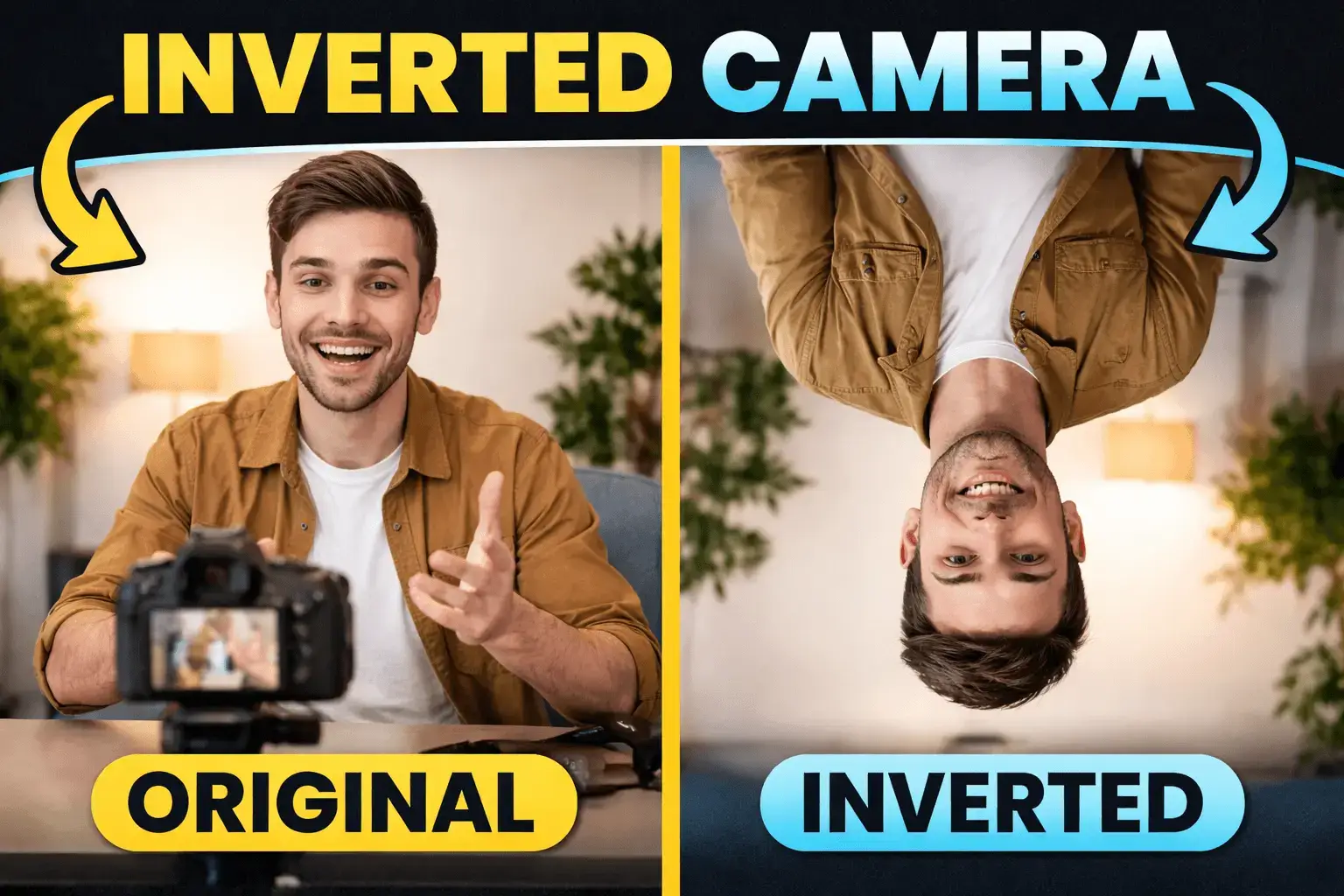
Ever turned on your camera and felt something was wrong? Your face looks reversed, the video is upside down, or text appears mirrored. These small issues can quickly become frustrating—especially before an online meeting or while recording a video.
An inverted camera tool is an online utility designed to correct camera orientation problems in real time. If your webcam feed is flipped horizontally, vertically, or upside down, this tool fixes it with a single click.
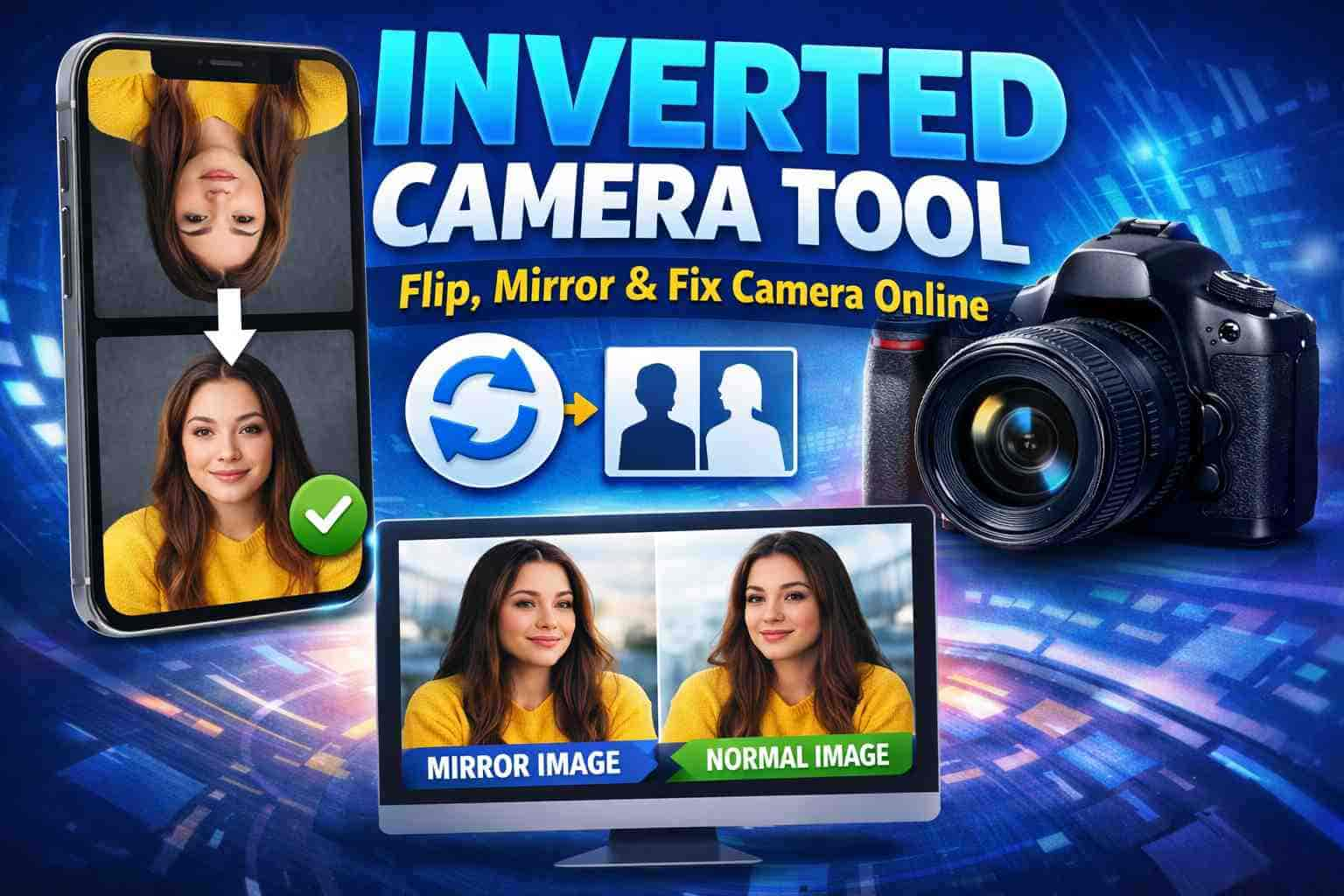
What Is an Inverted Camera Tool?
An Inverted Camera Tool solves this instantly. It lets you flip, mirror, rotate, record, and download your camera feed directly in your browser—no software installation required.
Instead of adjusting hardware or digging through system settings, everything happens instantly in your browser.
Why Does a Camera Appear Inverted?
Hardware and Mounting Issues
External webcams are often mounted in different orientations. If a camera is physically installed upside down, the video feed reflects that.
Software and Driver Problems
Camera drivers or video conferencing apps sometimes mirror video previews intentionally, leading to confusion.
Benefits of Using an Online Inverted Camera Tool
Why use an online tool instead of built-in settings? Because it's designed to be:
- Faster – No setup required
- Simpler – Single-click fixes
- Platform-independent – Works anywhere
- Beginner-friendly – No technical skills
Who Should Use an Inverted Camera Tool?
This tool isn't niche—it's widely useful for anyone who relies on a webcam for their professional or personal life.
Common Use Cases and Real-Life Scenarios
You might need an inverted camera tool when:
Meetings & Presentations
Fix your orientation before joining a call to appear professional and ensure shared text is readable.
Video Recording
Record tutorials or reviews with the correct alignment directly in your browser, saving hours of post-editing.
Flipped Hardware
Correct video feed from external cameras that are mounted upside down or at unusual angles.
Privacy-First Usage
Process your video locally without worrying about your data being stored on external servers.
Inverted Camera for Meetings
Meetings are about clarity and confidence. A flipped camera does the opposite by creating a distraction for you and others.
- • Improves professionalism
- • Prevents distractions
- • Ensures correct orientation
Inverted Camera for Recording
Recording tutorials or presentations? Orientation matters even more when the content is permanent.
- • Record correctly aligned videos
- • Avoid post-editing fixes
- • Save significant time and effort
Privacy & Security First
This is where browser-based tools shine. A good inverted camera tool doesn't just work—it protects you.
- ✓ No video is ever uploaded
- ✓ No recordings are stored
- ✓ Everything processes locally
Apps vs. Browser Tools
Avoid the baggage of installations, permissions, and storage usage. Browser tools are:
- ✓ Lightweight & Instant
- ✓ Always up to date
- ✓ Compatible across devices
Compatibility & Best Practices
Cross-Platform
Works on Desktops, Laptops, Tablets, and mobile browsers with camera support.
Common Mistakes
Avoid fixing hardware first or installing unnecessary apps. Check permissions before recording.
Best Results
Use modern browsers, allow camera access, and test orientation before you start recording.
Closing Thoughts
Camera orientation issues are small—but they create big distractions. An inverted camera tool removes that friction entirely. It's fast, secure, and practical. No installations. No confusion. Just a correctly aligned camera feed—exactly how it should be.
Frequently Asked Questions
What does an inverted camera tool do?
It flips, mirrors, or rotates your camera feed to correct orientation issues in real-time within your browser.
Do I need to install software?
No. The tool works directly in your web browser using modern web technologies like HTML5 and Canvas.
Is my camera data uploaded to servers?
No. All processing happens locally on your device. Your privacy is protected as no video data is ever transmitted.
Does it work on mobile devices?
Yes, as long as the mobile browser supports camera access (most modern versions of Chrome and Safari do).
Ready to fix your camera?
An Inverted Camera Tool is essential for meetings, recordings, and live video. Simple, browser-based, and privacy-friendly, it’s the smartest way to handle camera orientation issues online.